Common Issues & Solutions
Pen Not Clicking
Problem: The pen button doesn't click or is stuck.
- Ensure the needle is properly attached before attempting to use
- Check that you're pressing the button straight down, not at an angle
- Remove the needle and try clicking again to see if the mechanism works
- Hold the pen at room temperature for 10-15 minutes - cold pens may have stiff buttons
- If the button remains stuck, do not force it - contact support
No Liquid Dispensing
Problem: The pen clicks but no medication is dispensed.
- Check that the needle is firmly attached and not clogged
- Tap the pen gently 5-10 times to prime the needle - this helps remove air bubbles
- If using for the first time, test-click the pen over a sink to ensure liquid flows
- Remove and reattach the needle - ensure it clicks securely into place
- Check the expiration date - expired pens may have thickened medication
- Store pens vertically to prevent air pockets from forming
Needle or Pen Leaking
Problem: Liquid is leaking from the needle or pen body.
- Remove the needle immediately to prevent contamination
- Check if the needle was properly seated - attach a fresh needle carefully
- If leaking continues, inspect the pen cartridge for cracks or damage
- Ensure you're not applying excessive pressure to the pen while holding it
- Never attempt to use a leaking pen - request a replacement
- Store the pen in its original packaging with the cap on
Incorrect Dose Delivered
Problem: The dose counter doesn't match your intended dose.
- Verify the dose you intended before injecting
- Check the dose counter dial on the side of the pen - it shows your current dose setting
- To select the correct dose: rotate the dial until the desired dose lines up with the marker
- Never rely on the sound of clicking alone - always verify the dose visually
- The dose counter will show 0 when fully delivered - do not attempt to use after this
Pen Appearance Issues
Problem: The pen looks damaged, discolored, or has visible particles.
- Inspect the medication liquid - it should be clear and colorless (or slightly yellow)
- If you see crystals, particles, or discoloration in the liquid, do not use the pen
- If the plastic exterior is cracked or the label is damaged, verify authenticity via VLS Verify
- Small air bubbles in the pen are normal and do not affect medication quality
- Contact support if the pen appears damaged or the medication looks abnormal
Storage & Temperature Issues
Problem: The pen may have been exposed to improper temperatures.
- Always store pens in the refrigerator between 2°C - 8°C (36°F - 46°F)
- If exposed to room temperature, the pen can be used within 30 days
- Never freeze the pen - this will damage the medication
- Allow a cold pen to reach room temperature (30 minutes) before using
- Do not store near heat sources, direct sunlight, or in hot vehicles
- Keep the needle cap on until ready to use
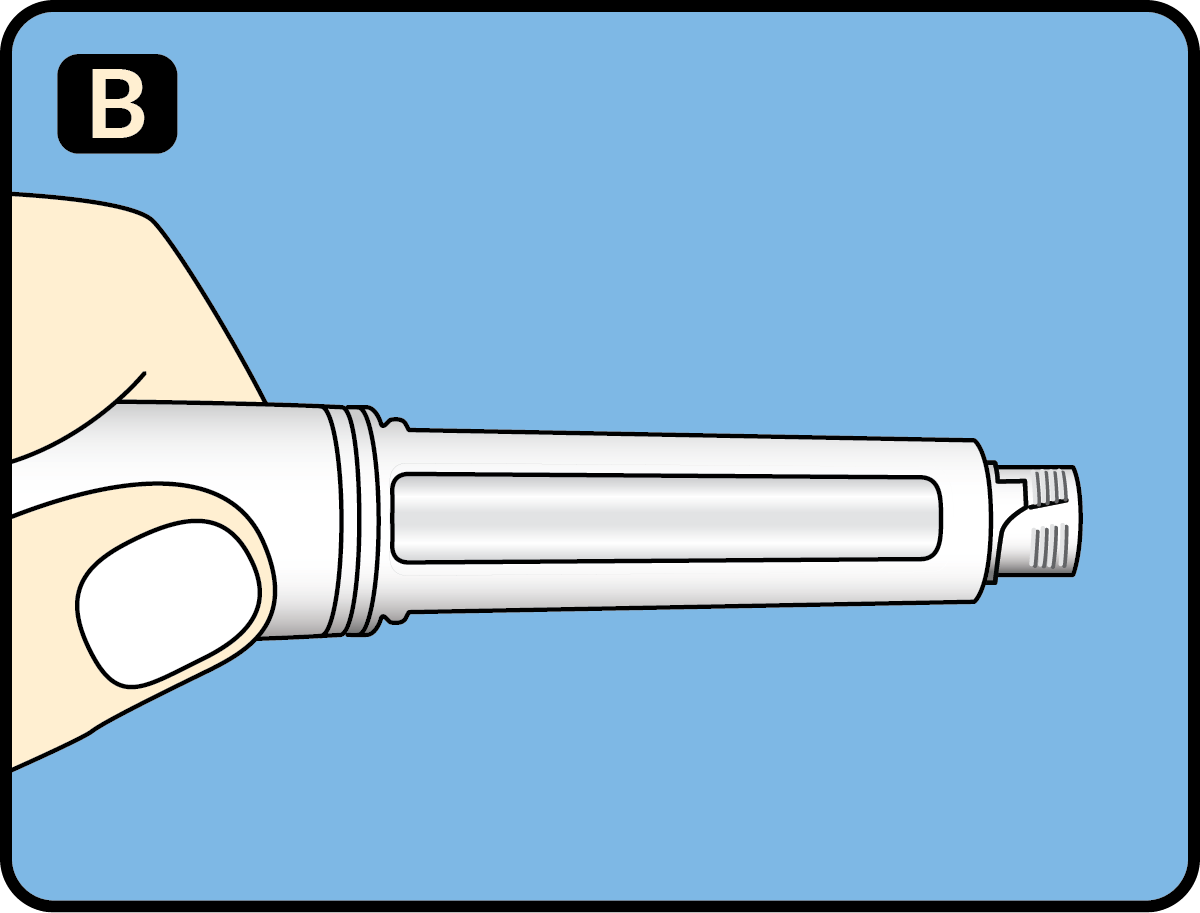
Proper pen setup
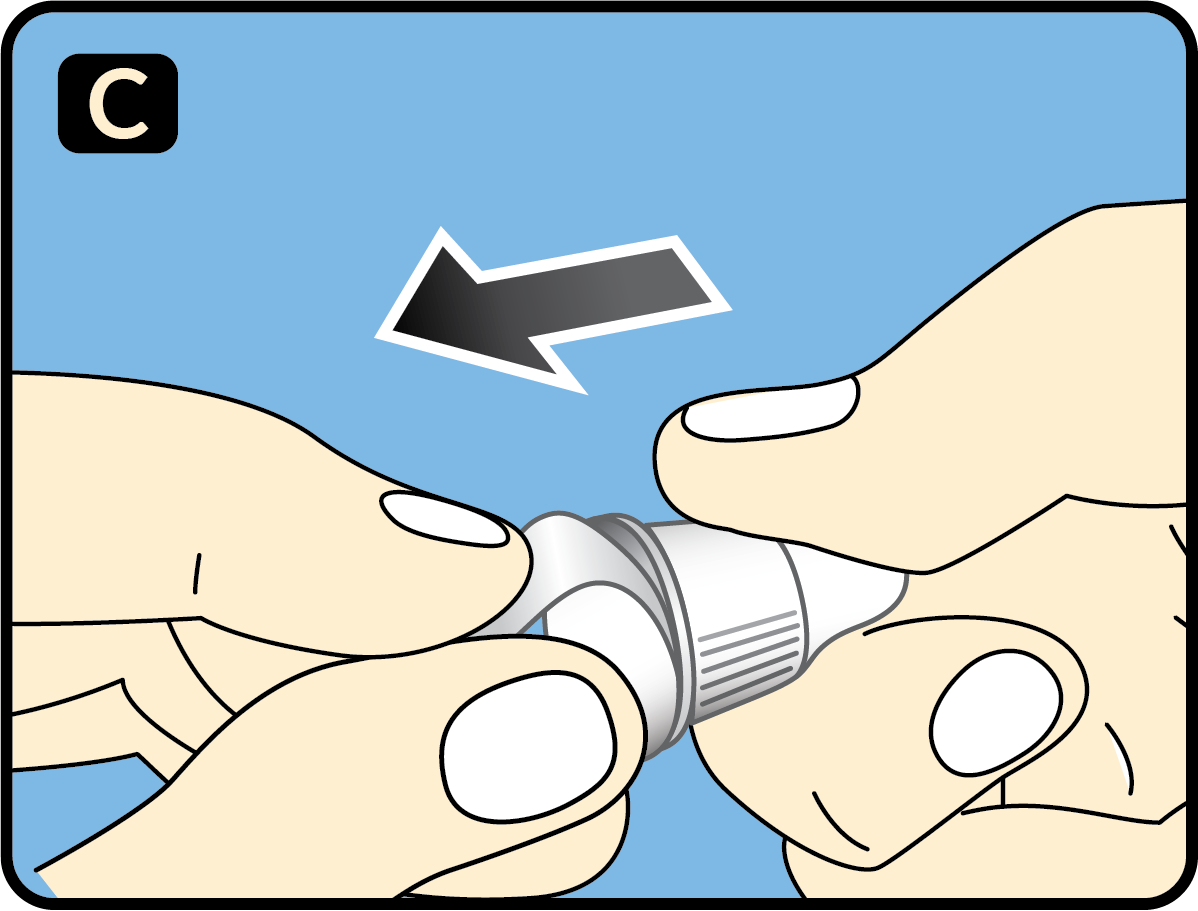
Needle attachment
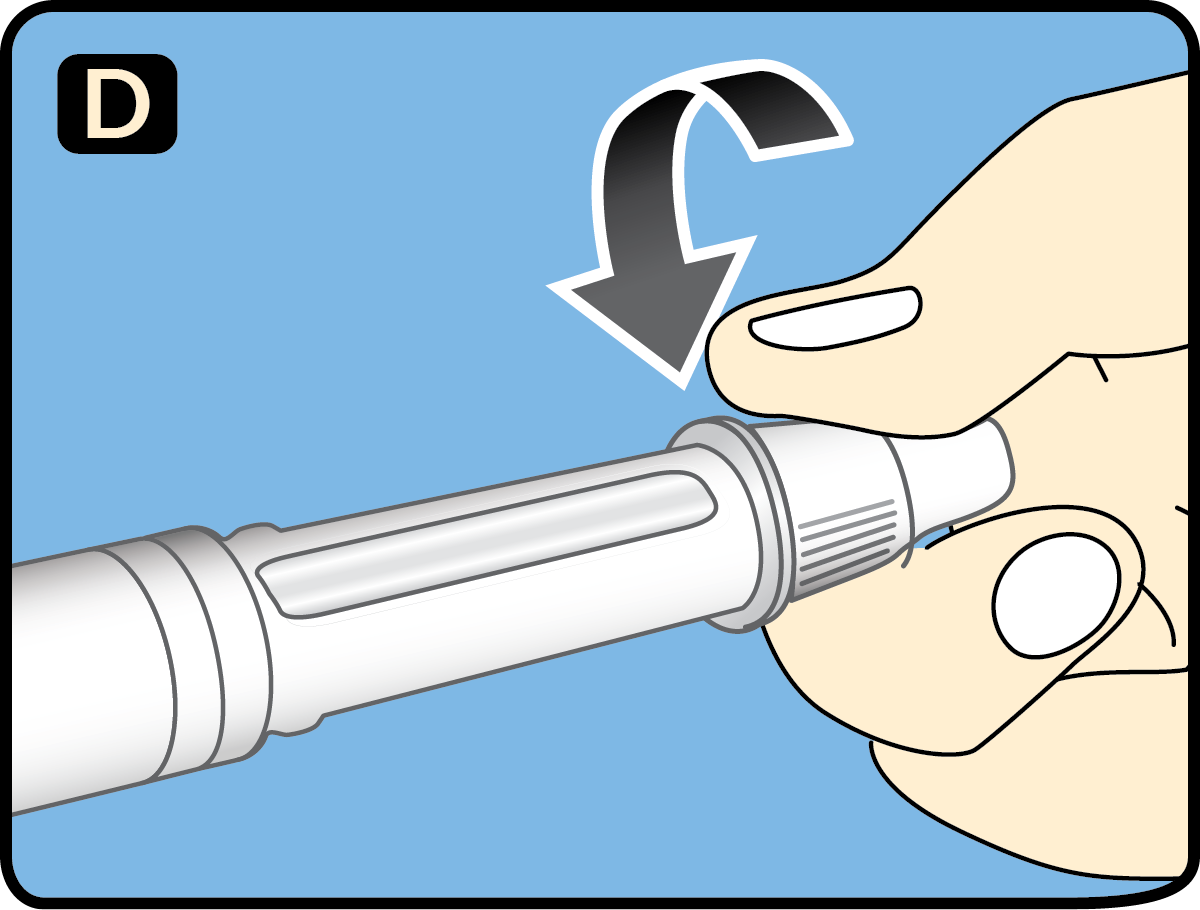
Correct injection technique